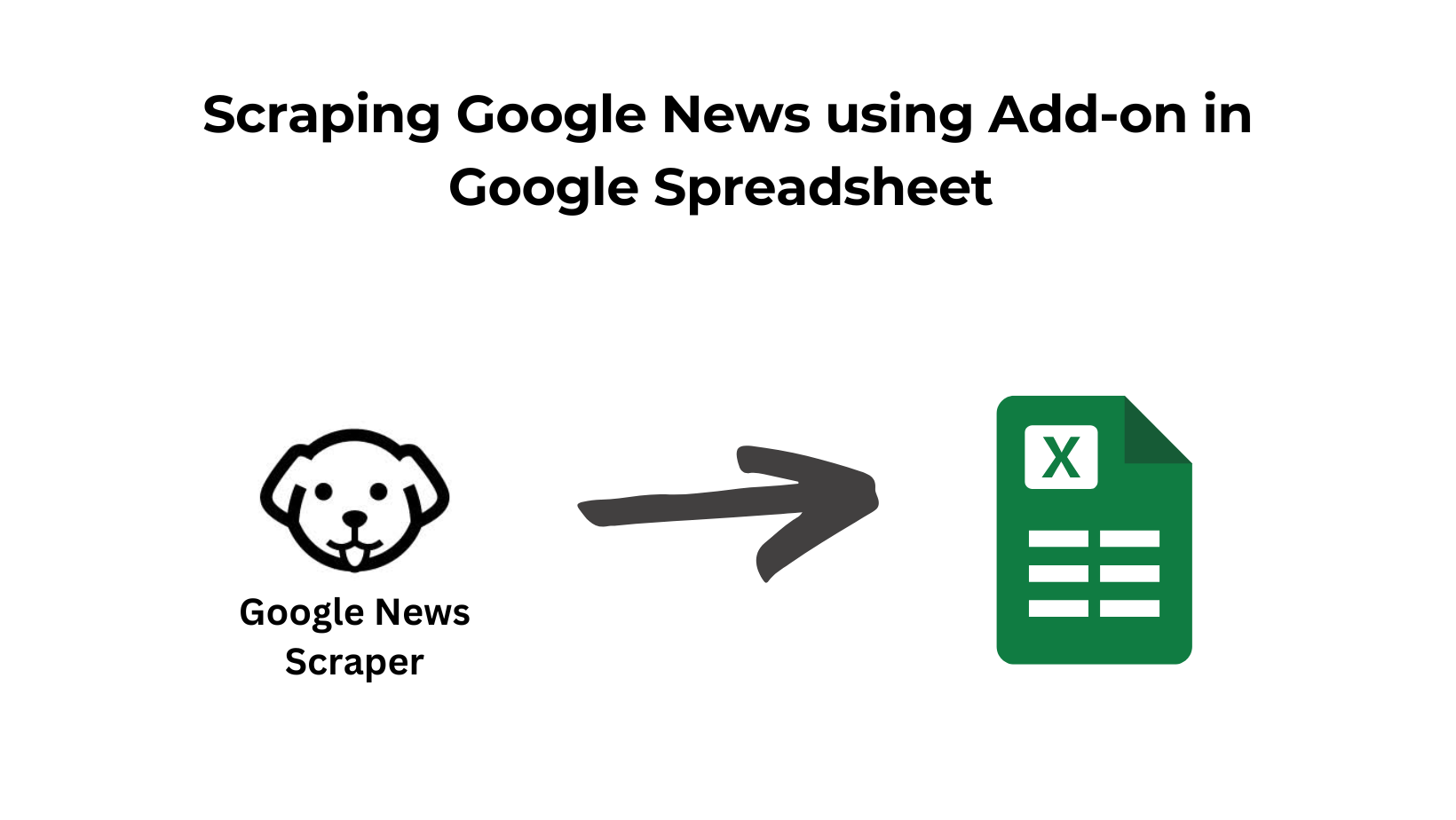
Now you can scrape Google News using Scrapingdog’s native integration with Spreadsheet.
This means you don’t need to be a programmer, and you don’t need any third-party no-code tools to get news articles’ data.
Install the add-on from here!
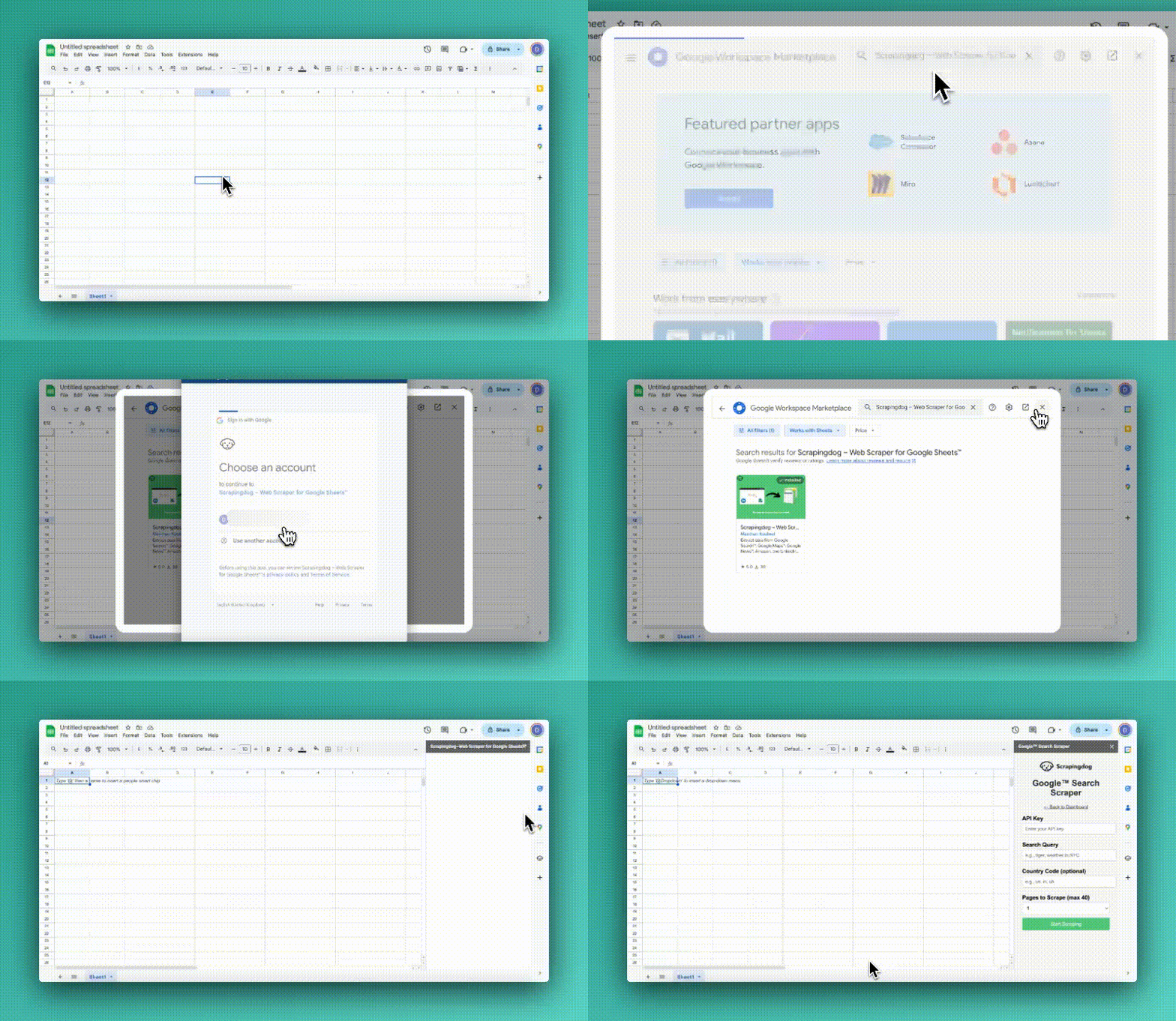
Now, once it is there, it is time to scrape the Google News data.
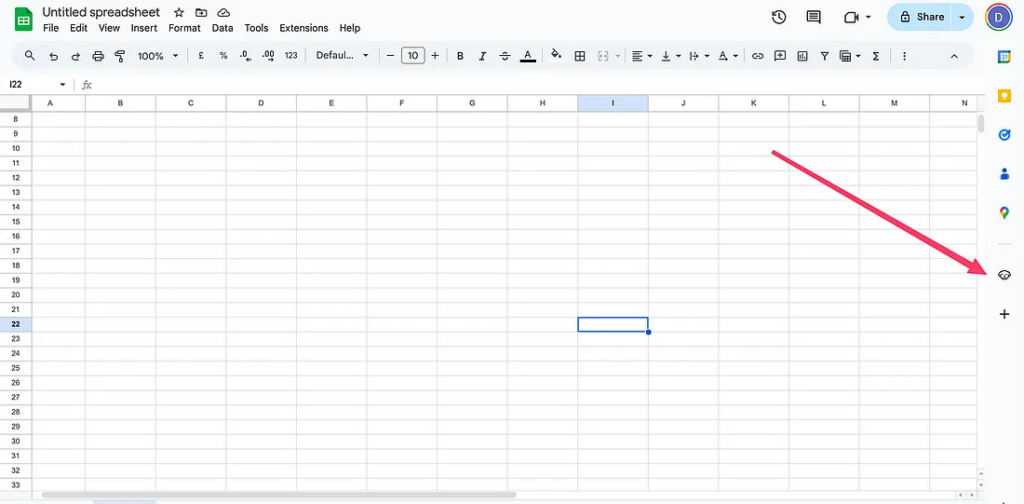
Once the add is installed, click the Scrapingdog Icon on the side panel.
And when you click it, there will be some options for you to choose from:-
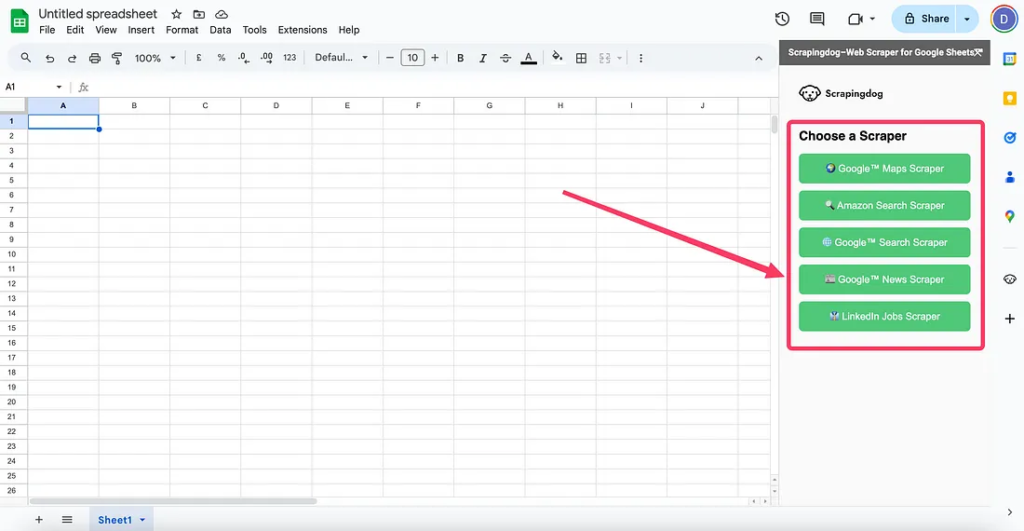
Select Google News Scraper, and you will be asked to provide the basic details. This scraper uses Scrapingdog’s Google News API at the backend.
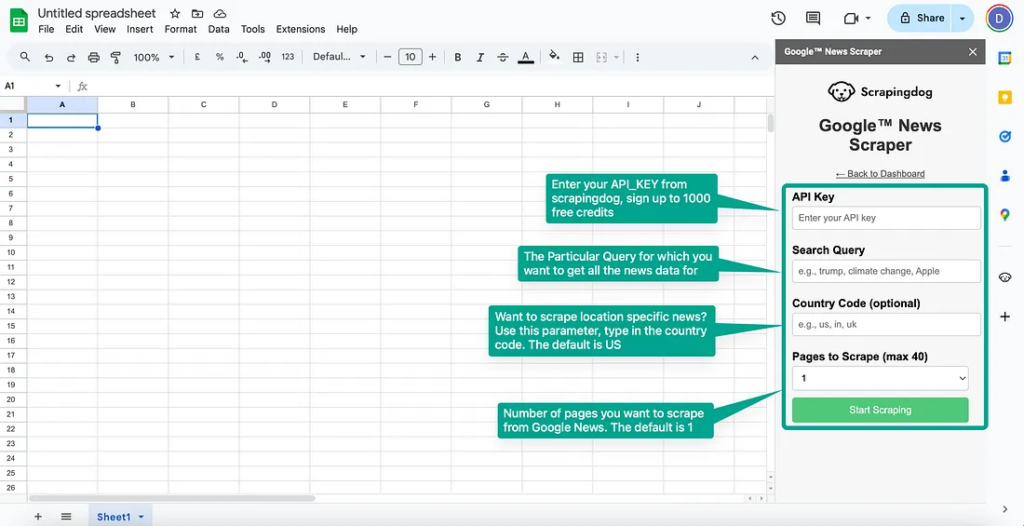
If you don’t have your API_KEY yet, simply sign up for Scrapingdog from here & get 1000 free credits.
You will get your key on the dashboard, copy it, and paste it into your spreadsheet.
Search query is the keyword you are looking to scrape news for, for example, “Donald Trump”.
Finally, select the number of pages you want to scrape & click start scraping. Your spreadsheet will start populating with the news articles. 😊
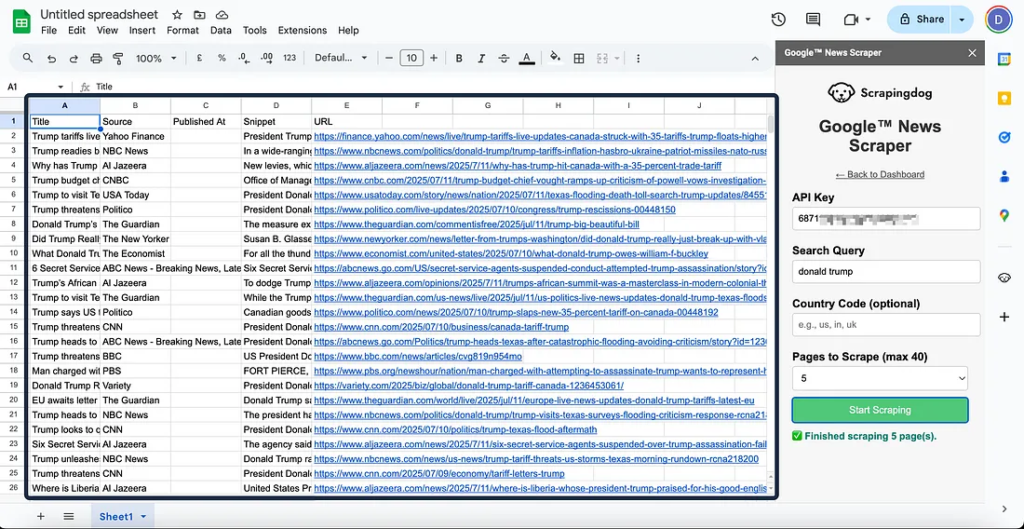
This way, you can scrape other platforms also without using any programming language or any no-code tools!!
Additional Resources
The add-on, as you can see, has multiple scrapers. We recently wrote articles on scraping Google search & scraping local leads with it.
We will keep adding more tutorials with this add-on!!