Google AI mode (not AI overviews) launched recently, has been the talk of the town ever since it came into existence.
For brands that live off organic traffic, the stakes are obvious: if your site doesn’t appear in those AI citations, you’re invisible.
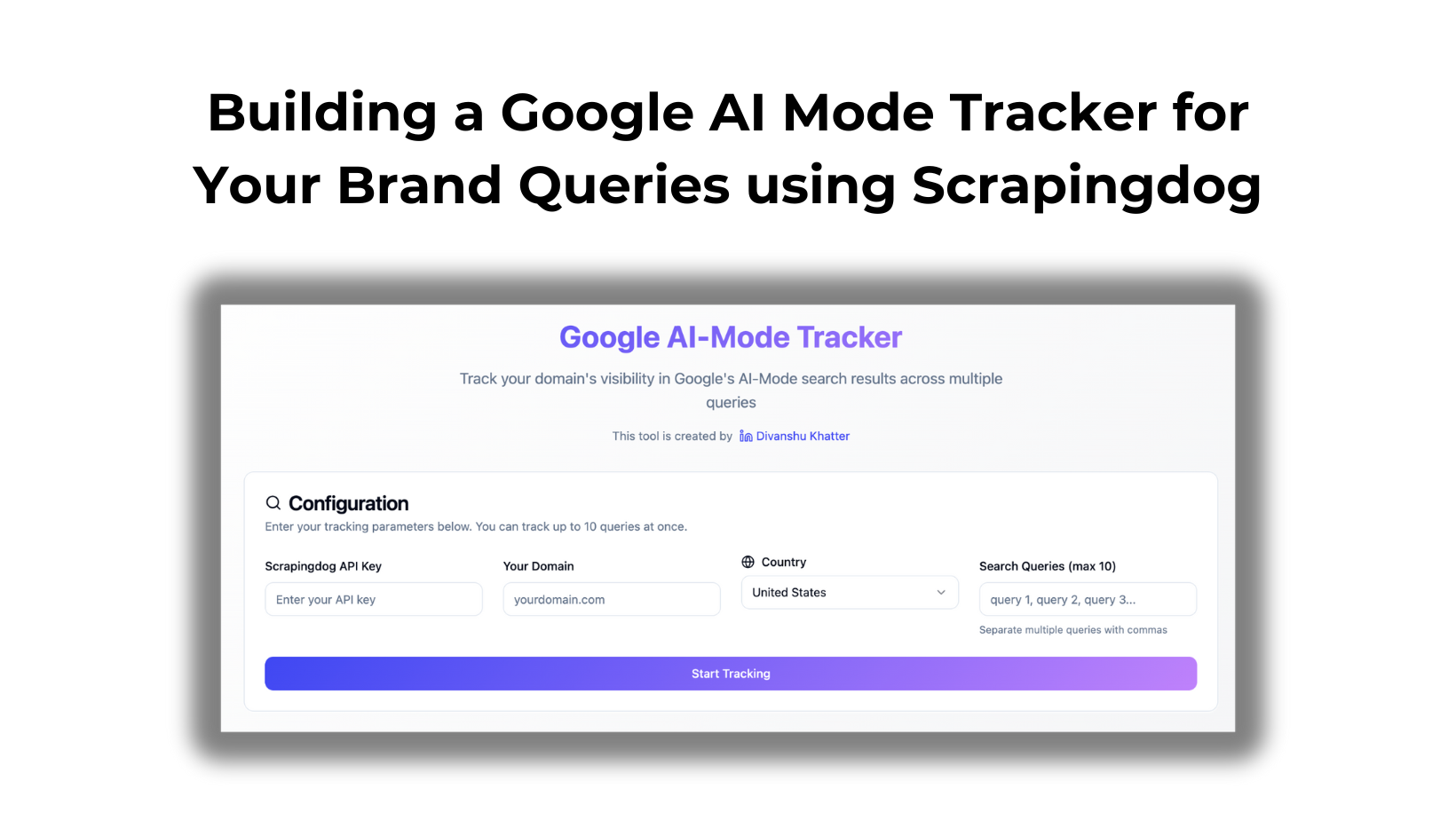
And, the tool we made here allows you to track whether or not you appear in the AI mode.
Furthermore, I will provide you with a public link, allowing you to utilize this tool for your brand and track visibility for your specific queries.
Let’s get started!
Tools We Have Used To Build or Google AI Mode Tracker
At the backend, our web app is using the AI mode endpoint, which is https://api.staging.scrapingdog.com/google/ai_mode
You can read more about the parameters & how to effectively use this API in the documentation here.
To use this tool, you need to have access to both Scrapingdog & Lovable. For the first time, you get 1000 free credits in Scrapingdog and 5 free credits daily for Lovable.
Once you are on the platform, you can use the following prompt to create your web app (this is what I have used too) 😊
					### Lovable Prompt — “Brand‑in‑AI‑Mode Tracker”

#### 1 · Goal
Build a mini‑app that shows a user whether—and where—their domain appears in Google’s **AI Mode** “References” for up to 10 search queries.

#### 2 · Inputs to collect
| Field | What the user enters | Validation hints |
|-------|----------------------|------------------|
| **Scrapingdog API Key** | Plain‑text | Required, non‑empty |
| **Queries (max 10)** | Comma‑separated list | Trim spaces, split on “,”; hard‑limit to 10 |
| **Domain** | e.g. `staging.scrapingdog.com` | Strip whitespace & trailing slashes |

#### 3 · Processing logic (run per query)
1. **Call the API**
   `GET https://api.staging.scrapingdog.com/google/ai_mode`
   Params: `api_key`, `query`.
2. **Parse response**
   The JSON includes a `references` array; each item has: `link`, `title`, `snippet`, `index` (rank).
3. **Match domain**
   If any `link` **contains** the user‑supplied domain, capture:
   - Query searched
   - Rank (`index`)
   - Title
   - Snippet
   - URL (`link`)
   Otherwise mark the query “Not found”.
4. **Aggregate** results for all queries.

#### 4 · Output
Display a table:

| Query | Status | Rank | Title | Snippet | URL |
|-------|--------|------|-------|---------|-----|

*Status* = **Found** / **Not found**.
Add a note: “Rank = position inside AI Mode’s reference list.”

#### 5 · Error & edge‑case handling
* **Invalid API key** → “Authentication failed—check your key.”
* **>10 queries** → prompt user to cut the list to 10.
* **Network/5xx** → retry once, then show friendly error.
* **Empty fields** → inline validation messages.

#### 6 · Reference docs for Lovable’s agent
* Full endpoint & examples: **https://docs.staging.scrapingdog.com/google-ai-mode-api**
  (see *Parameters*, *API Example*, *API Response* sections for the `references` schema).
Here’s a video walkthrough of how you can use the tool after it is ready ⬇️
For the sake of this tool, we have kept the tracking queries to 10; in reality, you can track as many keywords when you build.
Here is the public link to the tool that you can try with your API KEY.