TL;DR
- Google AI Overviews are AI-generated summaries shown at the top of Google search results with source links.
- They are JavaScript-rendered and don’t appear for every query, making them hard to scrape.
- Scraping AI Overviews helps with SEO research, brand tracking, and competitive analysis.
- This guide shows how to scrape AI Overviews using Python and Scrapingdog’s Google Search API.
Google’s AI Overviews are changing how search results are displayed, delivering AI-generated summaries at the very top of the SERP. While these responses are helpful for users, they’re tricky to capture programmatically.
Whether you’re analyzing your brand presence, tracking how Google summarizes answers, or just experimenting with AI-generated content, scraping these overviews can unlock powerful insights.
In this tutorial, I will show you how you can scrape AI overviews from Google search using Python and Scrapingdog’s Google Search API.
What are AI Overviews?
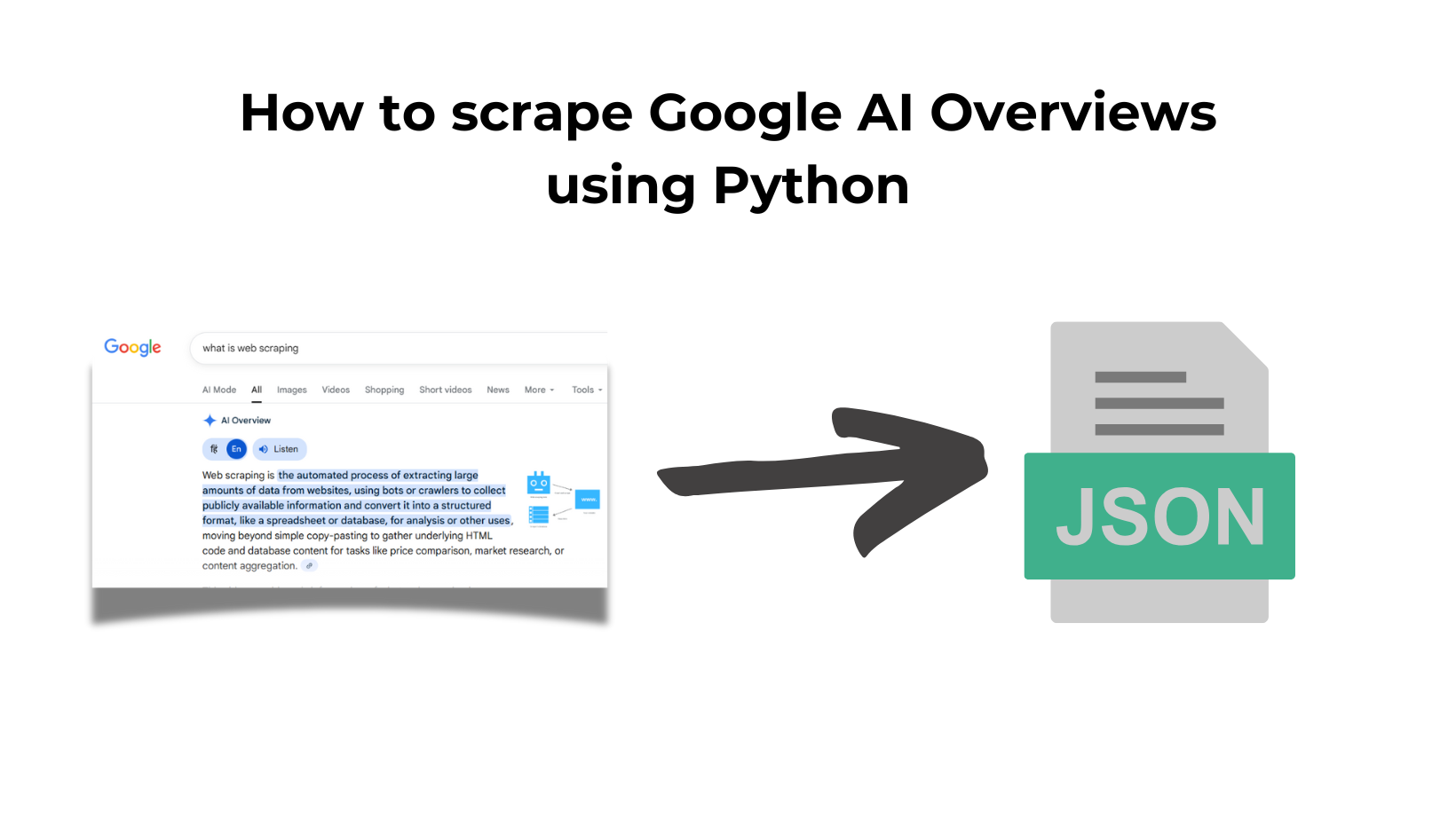
AI Overviews are Google’s experimental feature that uses generative AI to answer search queries directly at the top of the search results page.
Instead of just showing blue links, Google summarizes information from various websites into a concise, natural-language response, often citing sources underneath.
Google introduced this feature in May 2024, initially for users in the United States. It was later rolled out to other countries as well. Currently, AI Overviews are available only in English, though Google may expand language support in the future.
Why Scrape Google AI Overviews?
Google’s AI Overviews are transforming how people consume information. Instead of relying completely on blue links, users now get AI-generated answers at the very top of search results, often without clicking anything.
This shift presents both a challenge and an opportunity.

Here’s why scraping AI Overviews matters:
📢 Track Brand Mentions
Know when your brand (or your competitor’s) is referenced in Google’s AI responses, even if you’re not ranking #1 organically.
🧠 Understand Search Intent Better
AI Overviews often reflect Google’s best guess at user intent. Scraping them gives you a window into how Google “thinks”.

But in the past, many answers from AI overviews have raised eyebrows too, and that made people question the reliability of AI-generated summaries and highlighted the need for better accuracy verification before deploying these features at scale.
✍️ Content & SEO Research
Identify what types of answers Google prefers, what sources it cites, and how it summarizes complex topics. Since AI overviews reduce organic traffic, it becomes necessary for any brand to appear in AI overviews.
🔍 Competitive Intelligence
Learn which companies or products consistently show up in AI-generated summaries and why. AI overviews have changed how this intelligence is gathered and how it impacts the overall SEO industry.
Why use Scrapingdog for scraping AI overviews?
Scraping AI Overviews isn’t easy, and they don’t appear on every search. They’re dynamically rendered, and they’re often wrapped in JavaScript-heavy containers. Traditional scrapers break. Headless browsers are slow and expensive.
That’s where Scrapingdog’s Google Search API stands out:
⚡ Fast & Scalable: Avoid setting up your own browsers and proxies. Scrapingdog handles that useless stuff so that you keep collecting the data at scale without hassle.
📦 Includes Source Attribution: Extracts citations, reference links, and summary text from the AI Overview box.
🔁 Works with All Search Parameters: Supports pagination, country targeting, device type, and more.
🧪 Great for Experiments & Monitoring: Track when Overviews appear, how they change, and which sites are cited.
Whether you’re building a dashboard to monitor brand mentions in Overviews or analyzing how AI rewrites search content, Scrapingdog gives you a reliable, high-speed way to access this data that too without browser automation and proxy setup nightmares.
Prerequisite
Python 3.xshould be available on your machine. If not, then you can download it from here.- Install
requestslibrary for making HTTP connections with the API. - Account on Scrapingdog. You will get 1000 free credits on signup.
How to Scrape AI Overviews
To scrape Google AI overviews, you have to pass a sample query to Scrapingdog’s Google Search API. For this tutorial, we are going to use the query what is AI overview. The Google search page will look like this for this query.

Now, pass the query to the Google Search Scraper Playground.

As you can see in the above image, after typing the query in the input field, you will get a ready-to-use Python code. You can just copy this code and paste it into your Python file.
import requests
api_key = "your-api-key"
url = "https://api.scrapingdog.com/google"
params = {
"api_key": api_key,
"query": "what is AI overview",
"country": "us",
"advance_search": "true",
"domain": "google.com"
}
response = requests.get(url, params=params)
if response.status_code == 200:
data = response.json()
print(data)
else:
print(f"Request failed with status code: {response.status_code}")
Here’s a brief explanation of the code in points:
API Configuration:
- Sets up the ScrapingDog API key for authentication
- Defines the endpoint URL (
https://api.scrapingdog.com/google) for Google SERP scraping api_key: Your authentication credential from ScrapingDogquery: The search term to scrape (“what is AI overview”)country: Target location for search results (US in this case)advance_search: Enables the extraction of AI Overviews and other advanced features.domain: Specifies which Google domain to scrape (google.com)
Once you run this code, you will get this neat JSON response.

Within the JSON response, you will get an object ai_overview which will have the data from the AI overview section. Look pretty aesthetic, right?🔥
Now, in some cases, you might not get this data. For example, check this JSON response from the Google Search API.


Handling the ScrapingDog AI overview Extension Link:
When AI Overviews aren’t immediately available in the main response, ScrapingDog provides a fallback mechanism through the scrapingdog_link field.
How It Works:
- The initial response may contain a
url(original Google URL) and ascrapingdog_link(extension API endpoint) - If the AI Overview is missing from the primary JSON response, use the
scrapingdog_linkto retrieve it - Make a simple GET request to this link with no additional parameters needed
- The response will contain the AI Overview data in JSON format
Critical Timing:
⚠️ 60-Second Expiration: You must make the GET request to scrapingdog_link within 60 seconds of receiving it. After this window, the link expires and becomes invalid.
Usage Example:
# If AI overview is not in main response
if 'scrapingdog_link' in data:
extension_response = requests.get(data['scrapingdog_link'])
ai_overview_data = extension_response.json()
This two-step approach ensures you can always capture AI Overviews, even when they require additional rendering time from Google’s servers.
Key Takeaways
- ScrapingDog’s SERP API simplifies the complex process of extracting AI Overviews by handling proxy management, anti-bot detection, and browser fingerprinting automatically
- The
advance_searchparameter unlocks rich SERP features, including AI Overviews, featured snippets, Ads and knowledge panels - The two-step approach with
scrapingdog_linkensures you never miss AI Overview data, even when it requires extended rendering time - With just a few lines of Python code, you can monitor AI Overviews at scale for competitive analysis, content strategy, and SEO optimization
Conclusion
Scraping Google AI Overviews has become essential for staying competitive in today’s SEO landscape. As Google continues to prioritize AI-generated content at the top of search results, understanding how your content appears or doesn’t appear in these overviews is crucial for visibility and traffic. With the help of Python and powerful SERP APIs from Scrapingdog, we were able to achieve our goal without the hassle of setting up a browser or proxy.
FAQs (Frequently Asked Questions)
1. What are Google AI Overviews?
Google AI Overviews are AI-generated summaries displayed at the top of Google search results. They combine information from multiple websites and include source links.
2. Why are AI Overviews hard to scrape?
AI Overviews are dynamically rendered using JavaScript and don’t appear for every query, making traditional HTML scrapers unreliable.
3. How can I scrape Google AI Overviews using Python?
You can scrape AI Overviews using Scrapingdog’s Google Search API by sending a search query and enabling advanced search features.
4. What can I use scraped AI Overviews for?
Scraped AI Overviews can be used for SEO research, brand monitoring, and competitor analysis.
Additional Resources
- How to Scrape Google AI Mode Using Python
- How To Scrape Google Search Results using Python in 2026
- Scrape Google Images with Python (Store Data in CSV)
- Scrape Google Maps Data using Python (Save Data in CSV)
- How To Scrape Google Jobs Data using Python
- How To Scrape Google Lens using Python
- How To Scrape Google Scholar using Python
- Scrape Google Ads Data using Python
- Scrape Google Shopping using Python (Extracting Results in CSV)
- Scrape Google News Using Python (Export Data in CSV)
- How to Scrape Google Finance with Python
- How To Scrape Google Shorts Videos Using Python
- How to scrape Google Patents using Python